Steps to Perform Lotus Notes Conversion
Screenshots helps you to know how to run conversion process stepwise, Export Notes has made email conversion process easy as it involves very easy steps to Convert Lotus Notes into Outlook format.
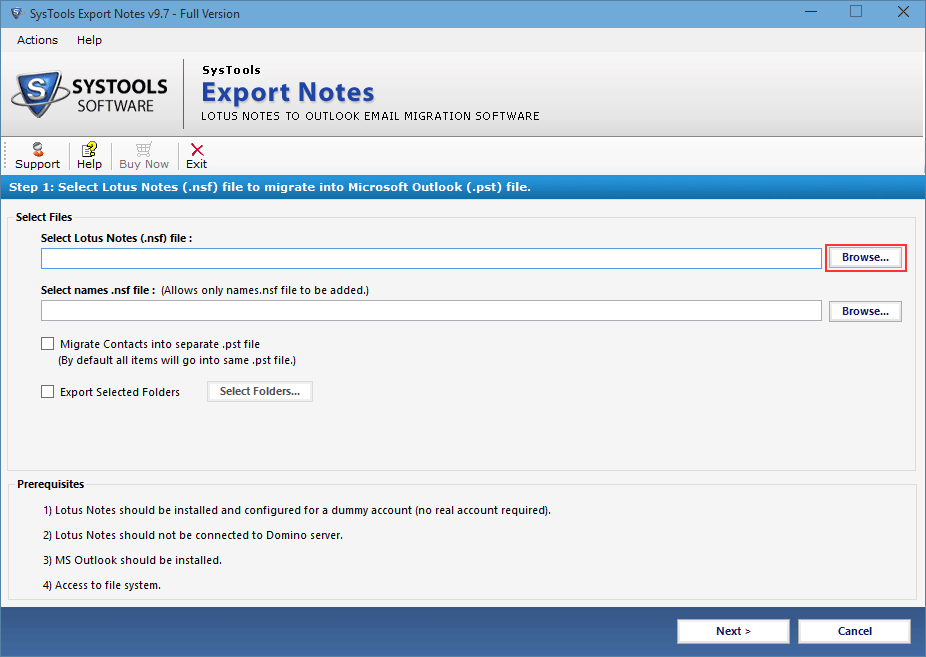
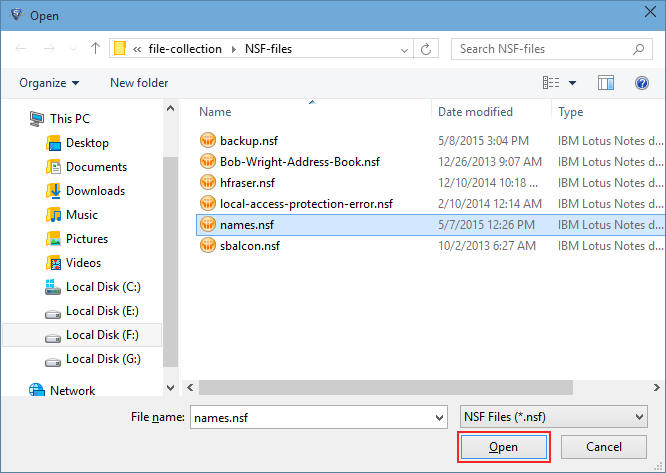
- Install the Demo edition of Export Notes product and start the conversion process of NSF to PST by clicking on Browse option
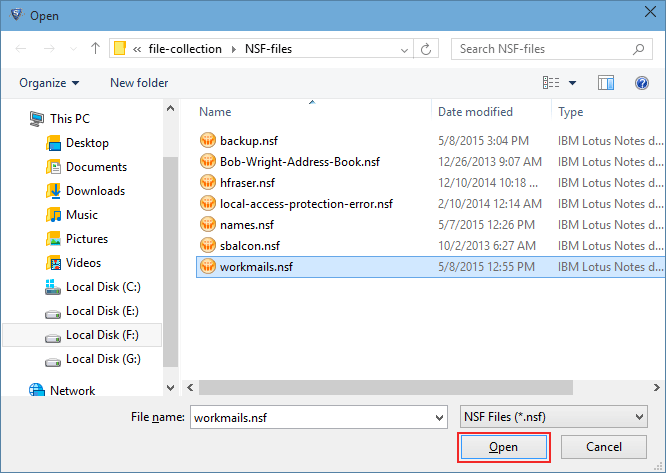
- Choose the correct NSF file from desired location and load it by clicking on Open Button
- In next Browse select the contact file of Lotus Notes to convert
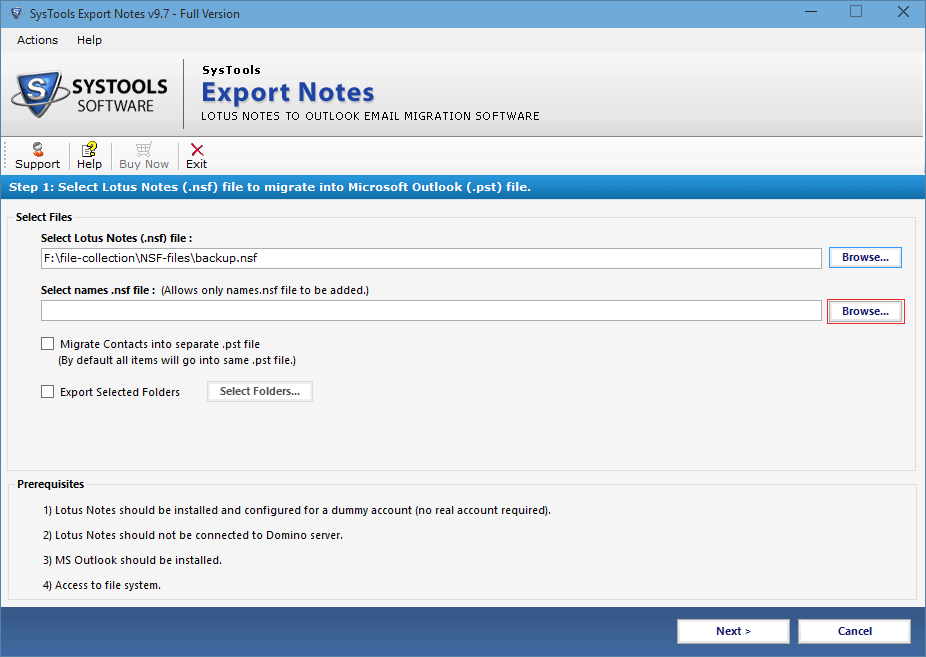
- Click on Open option via which Software load the contacts data found in Names.nsf file
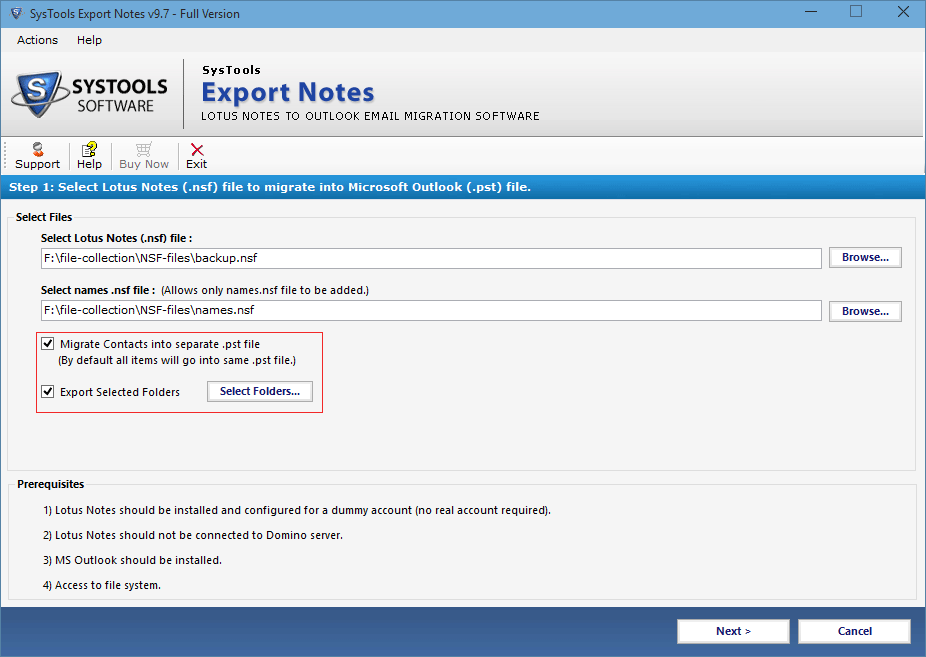
- To store Notes contacts into discrete PST file check the option and along with this click on Export Selected Folders to convert some folders of NSF into PST file format
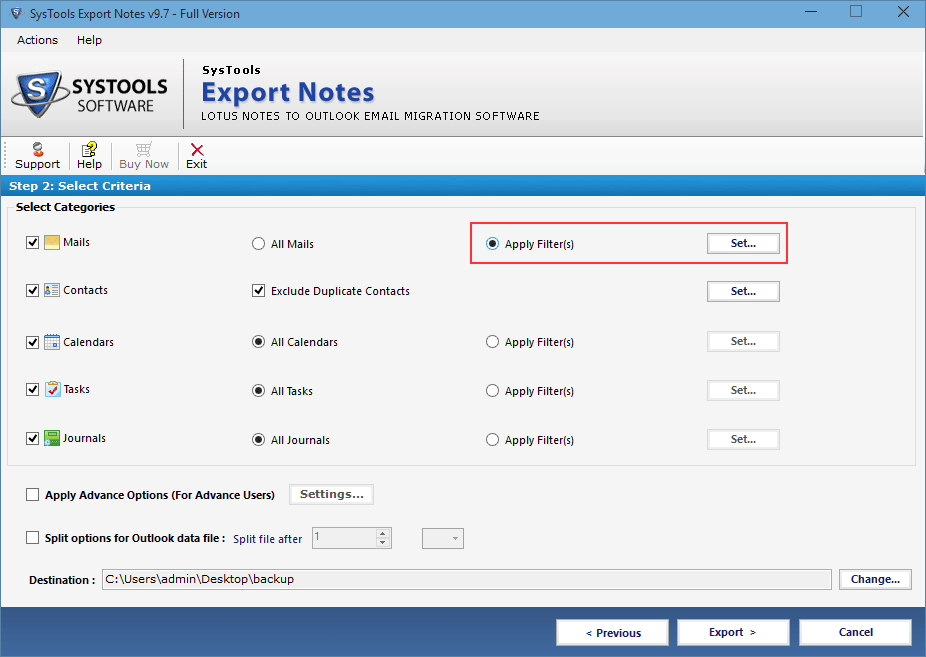
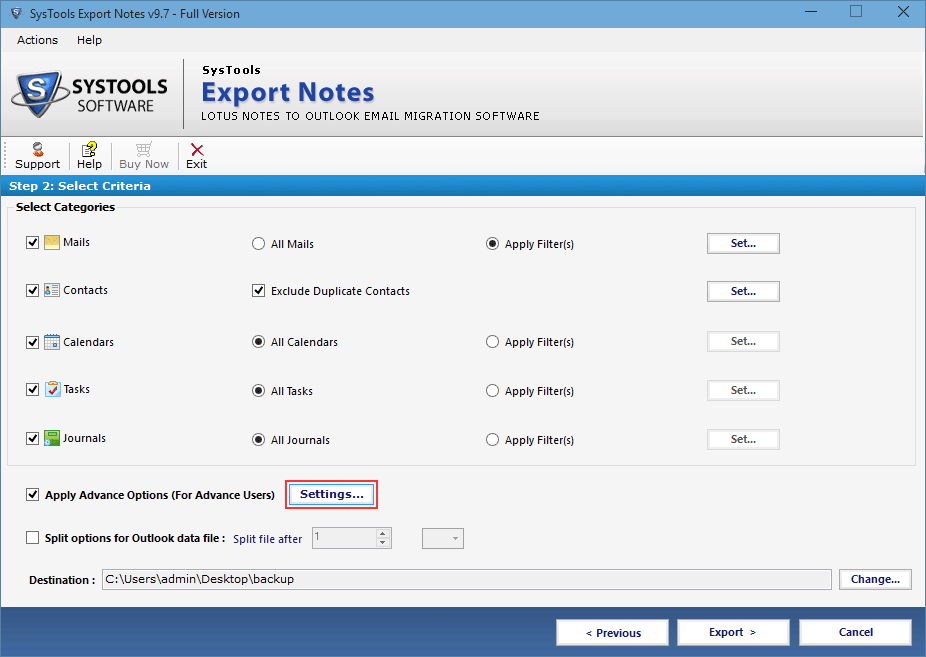
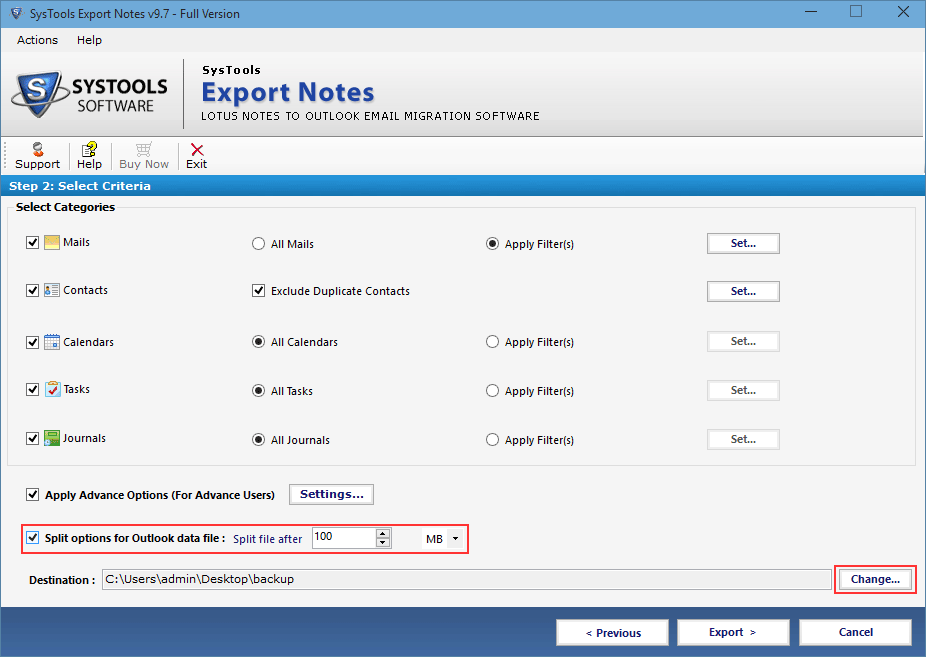
- The software provides various filter to export customized data from Emails, Calendar, Tasks and Journal, check the option if required
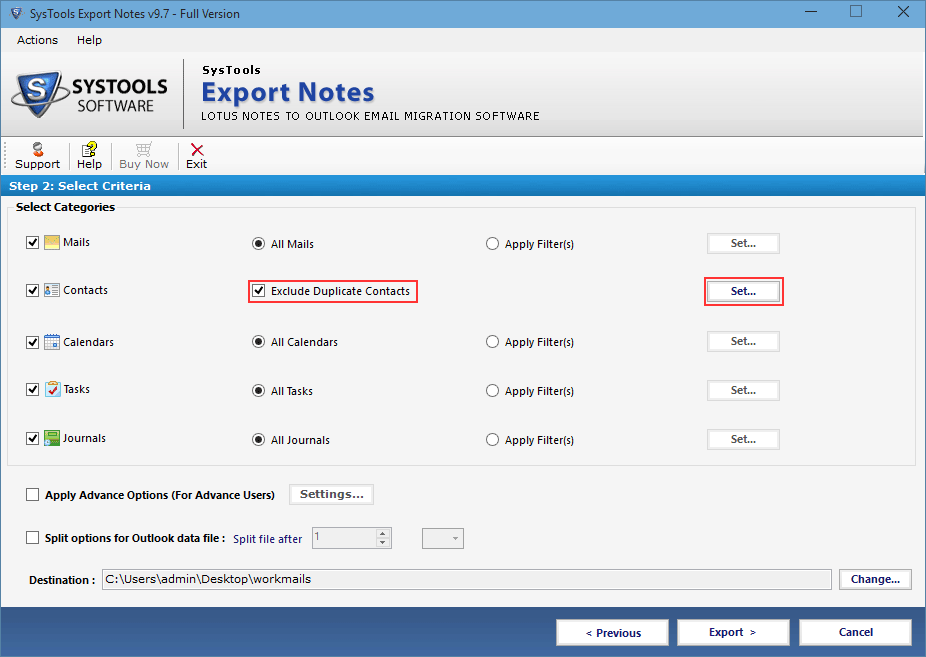
- To eliminate similar Notes contacts before conversion, select Exclude Duplicate Contacts option
- Apply multiple Advance Setting option to export data after selecting vital parameters
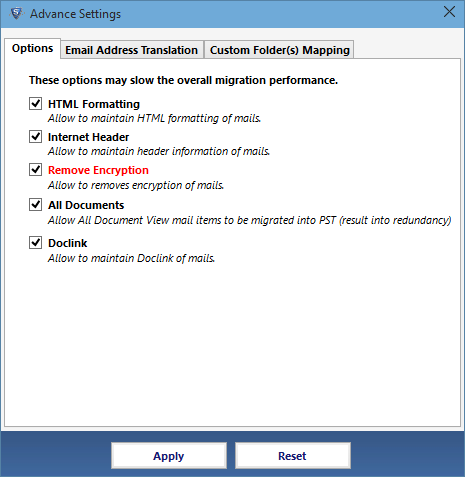
- Check the options HTML formatting, Doc Links, Internet Header to save these attributes of emails during conversion
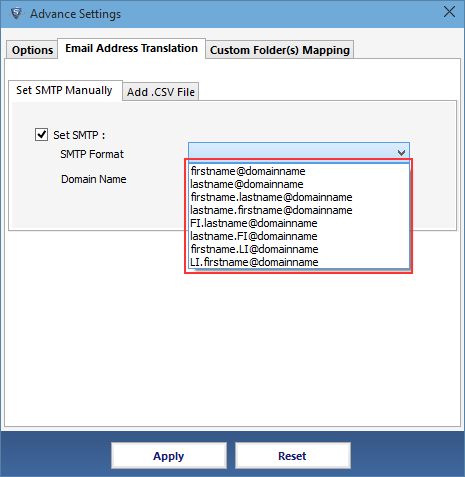
- Choose any SMTP Format to obtain all Lotus Notes canonical values in particular format or choose Add CSV file to get discrete SMTP address of each canonical name
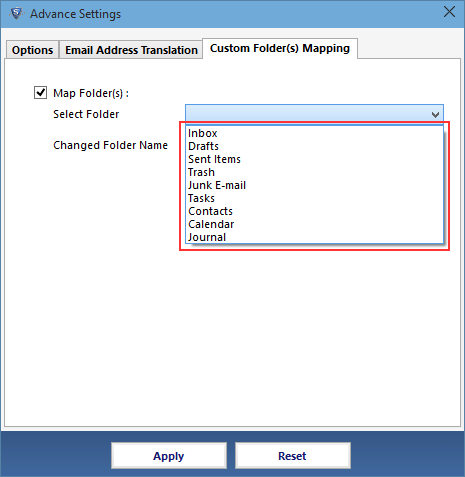
- Map Folder option enables to get system folder data of NSF into MS Outlook user defined or existing folders
- The software facilitates to attain output PST files in required size by selecting the Split Option and to get resultant PST file at particular destination by clicking on Change option
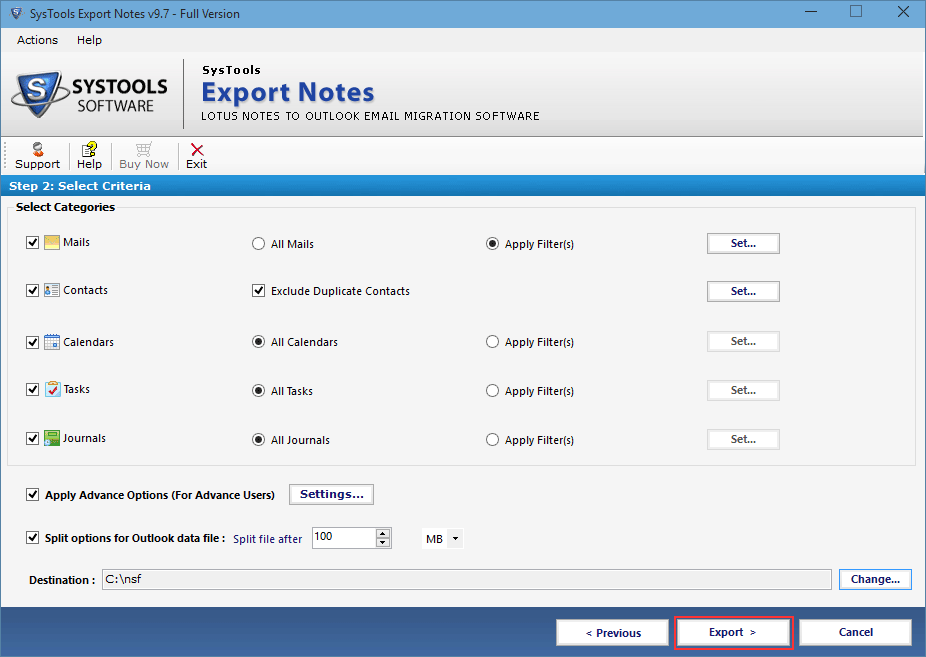
- Finally click on Export tab to obtain NSF file database into Outlook
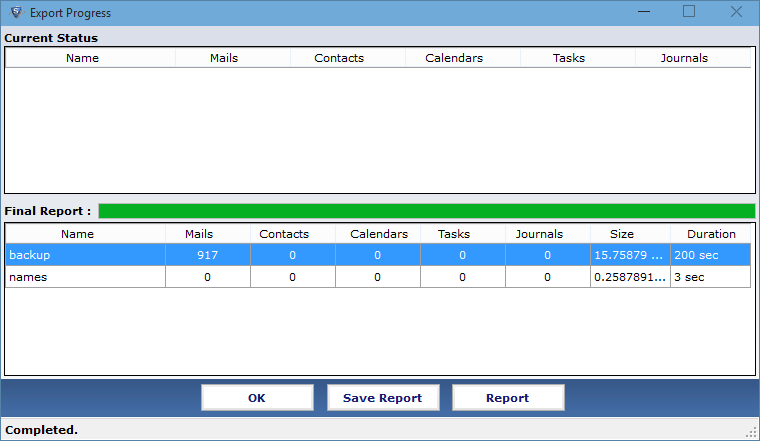
- The software exhibits the conversion report, click on Save Report to read the details